


Size guide
Nexillumi TV backlight size guide
Three lengths, matched to screen sizes. Two minutes with a tape measure tells you which one is yours.
Measure the back, not the diagonal
A screen is sold by its diagonal, but a backlight runs around its edge, so the number that matters is the outline. Lay a tape around the back panel about 2 inches in from the edge, where the strip will stick, and read the total. That figure is a little shorter than the outline of the screen itself, and it is the one to compare with the strip lengths below.
Leave a gap at the bottom if your stand or wall mount sits there. The strip does not have to close the loop: three sides lit and the bottom left dark still throws light onto the wall.
Screen size and strip length
Outline lengths assume a 16:9 screen, and each Nexillumi strip covers a range of screen sizes. Where two strips overlap, either one works: the shorter one simply sits further in from the edge. On a screen near the bottom of a range the strip is longer than the outline, so lay it out before you peel the backing and decide where the extra goes.
| Screen | Outline of the screen | Strip |
|---|---|---|
| 32 inch | 7.3 ft | 13.2 ft |
| 43 inch | 9.8 ft | 13.2 ft |
| 50 inch | 11.3 ft | 13.2 ft |
| 55 inch | 12.5 ft | 13.2 ft or 16.4 ft |
| 65 inch | 14.8 ft | 13.2 ft or 16.4 ft |
| 75 inch | 17 ft | 16.4 ft or 32.8 ft HDMI kit |
| 85 inch | 19.3 ft | 32.8 ft HDMI kit |
| 100 inch | 22.7 ft | 32.8 ft HDMI kit |
Corners and power
The 13.2 and 16.4 foot strips have short corner wires, so the strip bends round each corner of the TV without connector clips. They run on 5 volts from a USB cable, which a TV with a spare USB port can supply. The 32.8 foot kit adds an HDMI sync box between your TV box or console and the screen. It reads the picture at 1080p or lower, and a 4K signal may drop.
Before you peel the backing
- Wipe the back panel with a dry cloth so the adhesive takes.
- Lay the strip out loosely first and check that the cable end reaches the USB port.
- Start at the corner nearest the port and press each section down as you go.
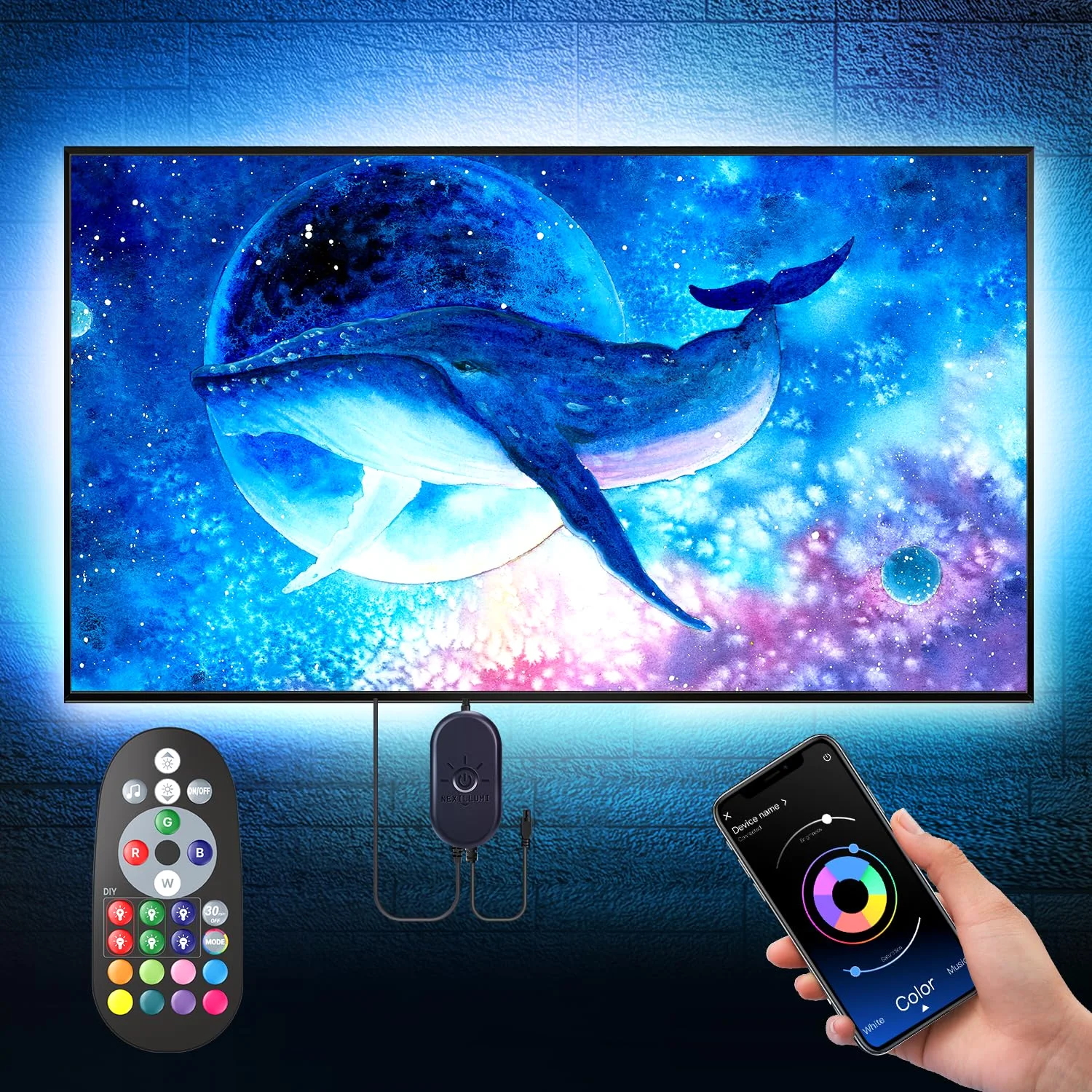
- Pair the remote or the illumi home app before you hang the TV back on the wall.
In the range
The Nexillumi TV backlight in three lengths

Ready when you are
Pick the spot, then the length
Every length, pack and color in the Nexillumi line is one click from here, and you pick the exact one on the next page.


Every length, color and pack of the Nexillumi range in one place.

